Digital File
Complete Excel Master Guide – Beginner to Advanced
$1.99$9.9980% off
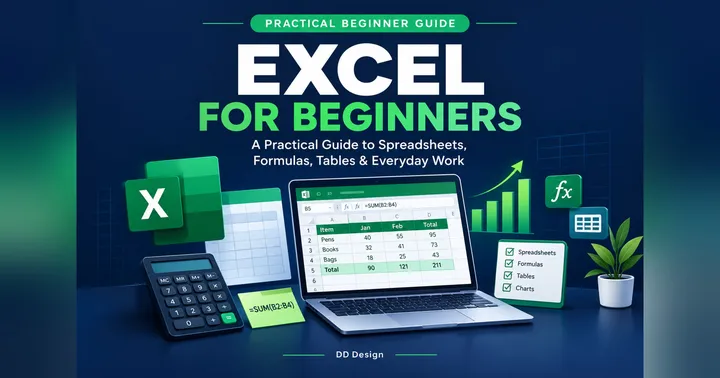
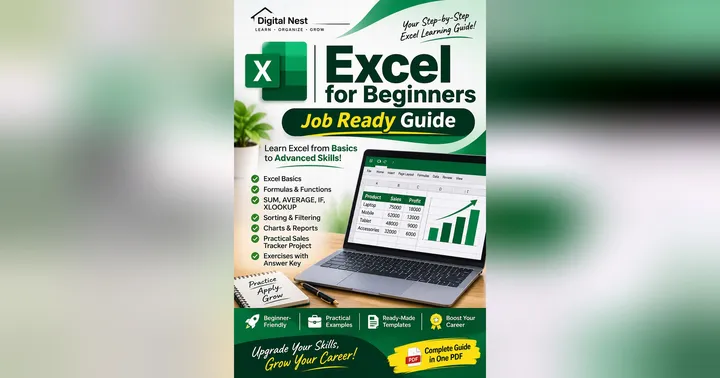
Master Microsoft Excel with this comprehensive Beginner to Advanced Excel PDF Guide, designed to help you learn Excel step by step, even if you have no prior experience.
Whether you want to improve your office productivity, prepare for job interviews, manage business data, or create professional reports and dashboards, this practical guide will help you develop valuable Excel skills at your own pace.
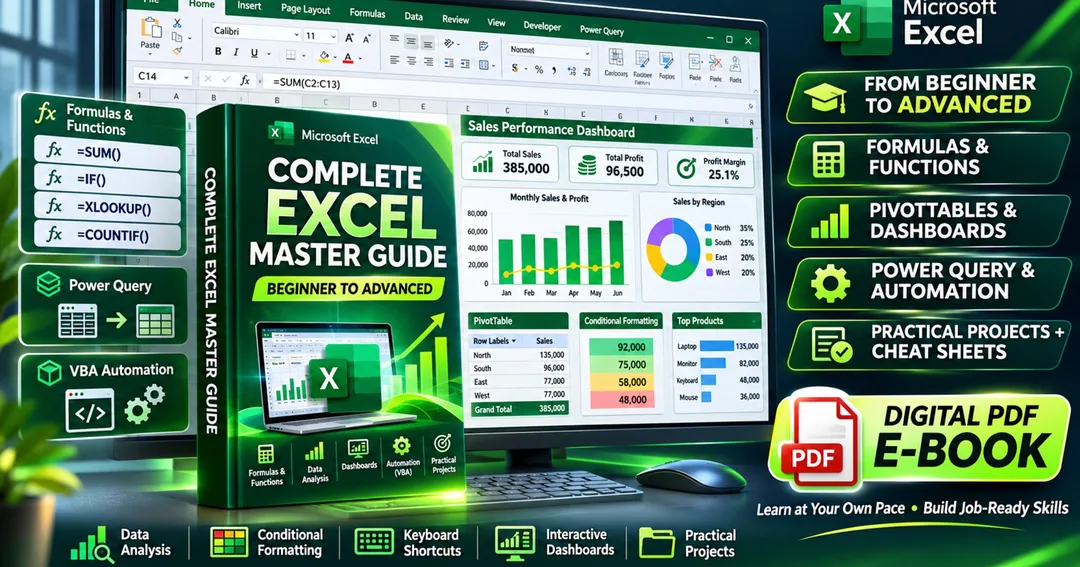
From basic spreadsheet operations to advanced formulas, PivotTables, data analysis, and interactive dashboards, this guide covers essential Excel concepts with clear explanations, practical examples, exercises, and real-world projects.
What You Will Learn
Excel Fundamentals: Understand the Excel interface, worksheets, cells, formatting, data entry, and workbook management.
Formulas and Functions: Learn SUM, AVERAGE, IF, SUMIF, COUNTIF, IFERROR, and other essential functions.
Data Management: Master sorting, filtering, Excel Tables, conditional formatting, dropdown lists, and data validation.
Lookup Functions: Understand VLOOKUP, XLOOKUP, INDEX, MATCH, and practical data-retrieval techniques.
Advanced Excel: Explore dynamic array functions, PivotTables, PivotCharts, Power Query, and data analysis.
Charts and Dashboards: Create professional charts, KPI summaries, and interactive business dashboards.
Automation: Get introduced to macros, VBA fundamentals, and repetitive task automation.
Practical Projects: Apply your skills to sales reports, expense trackers, employee attendance, payroll, inventory management, and more.
Why Choose This Excel Guide?
Beginner-friendly, step-by-step learning structure.
Covers foundational through advanced Excel topics.
Practical examples to help you understand how formulas work.
Real-world projects to build confidence and hands-on experience.
Useful formula references and keyboard shortcut cheat sheets.
Practice exercises to reinforce your learning.
Learn anytime, anywhere, at your own pace.
Who Is This Guide For?
This guide is ideal for students, freshers, job seekers, office employees, accountants, data analysts in training, entrepreneurs, and anyone looking to improve their spreadsheet skills.
No advanced Excel knowledge is required to get started.
What You Will Receive
1 downloadable Excel learning PDF.
Beginner-to-advanced learning modules.
Formula and keyboard shortcut references.
Practical exercises and project-based learning material.
Excel tips, examples, and troubleshooting guidance.
Build your Excel skills, improve your productivity, and take the next step toward becoming more confident with data.
What you'll get
- Build useful spreadsheet skills for office work and data management.
- Students, freshers, job seekers, office employees, accountants, freelancers, and business owners.
- Strengthen your skills with practical tasks and examples.
- Easy-to-follow explanations for learners with no prior experience.
- Practice sales reports, payroll, inventory management, expense tracking, and attendance sheets.
About the creator

Softer Mondays
Softer Mondays makes gentle planners, budget tools and worksheets for busy, foggy, overloaded brains. Made to be finished, not perfect. For organisation and education, not medical advice.
🏬 Visit storeMore from Softer Mondays
Check out other products
$1.99
$9.99