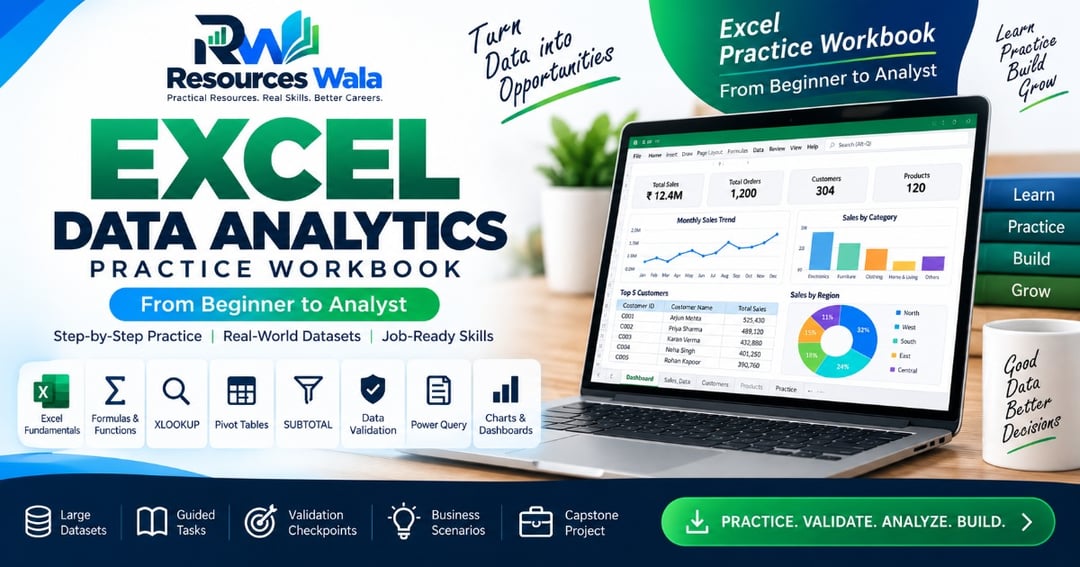
Excel Data Analytics Practice Workbook — Beginner to Analyst
Stop watching Excel tutorials and start solving real problems.
The Resources Wala Excel Data Analytics Practice Workbook is a hands-on learning workbook designed for students, aspiring Data Analysts, MIS professionals and anyone who wants to move from Excel basics to practical analytics.
WHAT YOU'LL PRACTICE
✓ Excel fundamentals
✓ Formulas & calculations
✓ Sorting & Filtering
✓ Conditional Formatting
✓ Charts & reporting
✓ VLOOKUP & XLOOKUP
✓ SUBTOTAL
✓ Data Validation
✓ Pivot Tables
✓ Power Query
✓ Power Pivot / Data Modeling concepts
✓ Business analysis
✓ Data quality checks
✓ End-to-end analyst workflow
WHAT'S INCLUDED
📊 Large realistic practice datasets
📚 Guided practice tasks
🎯 Difficulty levels
✅ Validation checkpoints
💼 Business scenarios
📈 Reporting exercises
🔎 Lookup & exception exercises
⚙️ Power Query exercises
🏆 End-to-end capstone project
THE LEARNING METHOD
Understand → Practice → Validate → Analyze → Communicate
This is not a collection of tiny examples.
You will work with larger datasets and business-style questions so that you can practice the way an analyst actually works.
BEST FOR
• Beginners learning Excel
• Data Analyst aspirants
• Students
• MIS / Reporting professionals
• Job seekers
• Interview preparation
• Practical project practice
FORMAT
Microsoft Excel (.xlsx)
IMPORTANT
This product contains synthetic practice data created for educational use.
No external paid dataset is required.
Your goal is not only to get the correct number.
Your goal is to understand:
What was the business question?
Which Excel feature should I use?
How do I validate my answer?
What does the result mean?
What action should a business take?
What you'll get
- XLOOKUP | PIVOT TABLES | SUBTOTAL | DATA VALIDATION | POWER QUERY
About the creator

Learn better. Practice smarter. Build more. 🚀 📊 Data Analytics • Tech • Career Resources 📁 Datasets • Projects • Templates • Practice Sets 🎯 Job-ready reso
🏬 Visit storeFrequently asked questions
1. Who is this workbook for?
This workbook is designed for beginners, students, aspiring Data Analysts, MIS professionals, job seekers, and anyone who wants to improve their Excel skills through practical, hands-on exercises.
2. Is this suitable for complete beginners?
Yes. The workbook starts with basic Excel concepts and gradually progresses to advanced topics like XLOOKUP, Pivot Tables, Data Validation, SUBTOTAL, Charts, and Power Query.
3. What topics are covered?
You'll practice: Excel Formulas & Functions Data Cleaning Sorting & Filtering XLOOKUP Pivot Tables SUBTOTAL Data Validation Charts & Dashboards Power Query Real Business Scenarios End-to-End Practice Project
4. How many practice datasets are included?
The workbook includes multiple realistic business datasets with hundreds of records, allowing you to practice using real-world scenarios instead of small sample tables.
5. What will I receive after purchase?
Yes. Each section includes guided practice tasks, learning objectives, checkpoints, and validation sheets so you can verify your work as you progress.
6. Is this workbook suitable for Data Analyst interview preparation?
Yes. The exercises are based on practical business scenarios and commonly used Excel skills that are valuable for Data Analyst roles and interviews.