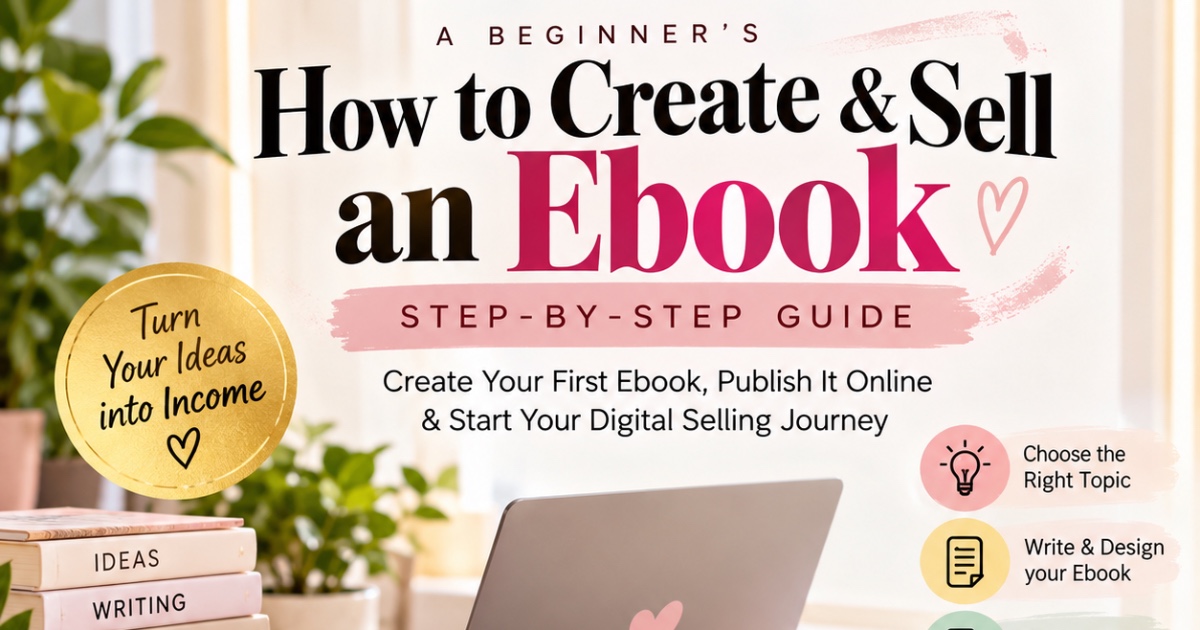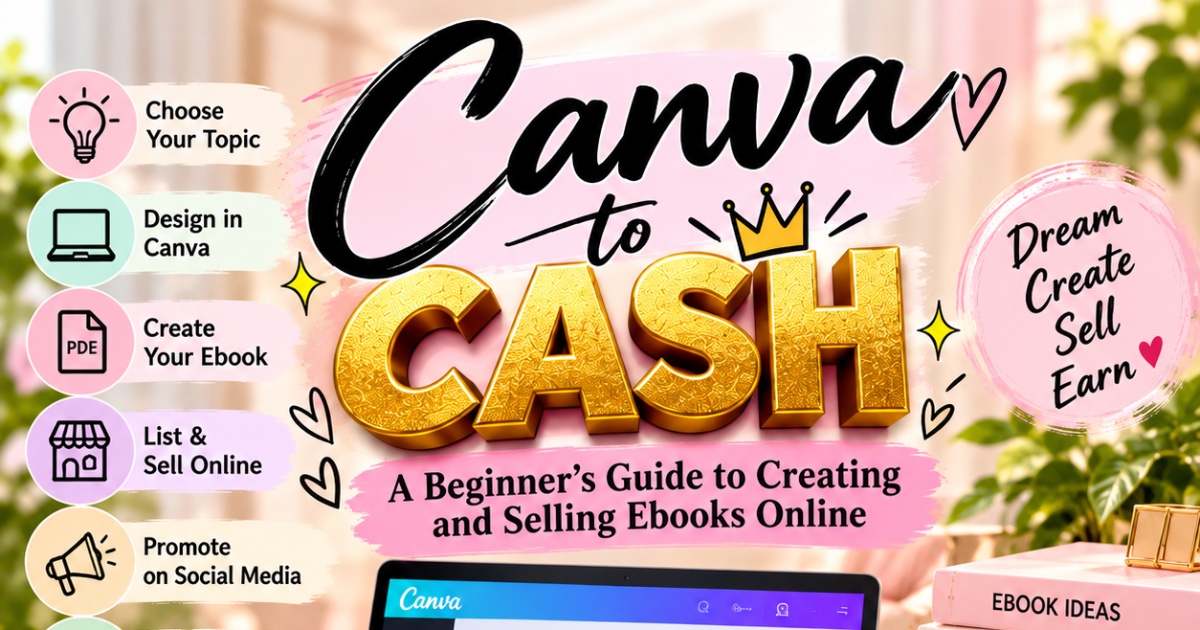
Canva to Cash: A Beginner’s Guide to Creating and Selling Ebooks Online
Renuka ❤️ तुझ्या Canva to Cash: A Beginner’s Guide to Creating and Selling Ebooks Online या ebook साठी 15 pages चे English description खाली दिले आहे. प्रत्येक page वर वेगळी माहिती आहे.
Canva to Cash
A Beginner’s Guide to Creating and Selling Ebooks Online
Page 1: Introduction
Welcome to Canva to Cash! This guide will help beginners learn how to create, design, and sell ebooks online. Start with a simple idea and learn each step at your own pace.
Page 2: What Is an Ebook?
An ebook is a digital book that people can read on their phones, tablets, or computers. Examples include guides, planners, recipes, tutorials, and educational books.
Page 3: Benefits of Selling Ebooks
Ebooks allow you to share knowledge and sell digital products online. You do not need to print physical copies, but success depends on demand, quality, and marketing.
Page 4: Choose Your Topic
Select a topic you understand or can research properly. Popular ideas include cooking, beauty, social media tips, budgeting, and personal development.
Page 5: Understand Your Audience
Identify who your ebook is for. Learn about their interests, problems, and goals so you can create helpful and relevant content.
Page 6: Research and Plan
Research your topic using reliable sources. Prepare an outline with an introduction, main chapters, practical examples, and a conclusion.
Page 7: Create Your Ebook with Canva
Open Canva.com and create an account. Search for ebook templates and choose a design that matches your topic. Customize it with your own content.
Page 8: Write Quality Content
Use simple language, clear headings, short paragraphs, and useful examples. Make sure your ebook provides real value to readers.
Page 9: Design Your Ebook
Choose readable fonts, matching colors, and relevant visuals. Keep your pages organized and avoid overcrowding the layout.
Page 10: Create an Attractive Cover
Add a clear title, subtitle, and suitable images. Keep the design professional and make sure the title is easy to read on a small screen.
Page 11: Download Your PDF
Download your finished ebook from Canva in PDF format. Check the spelling, page order, images, and links before publishing.
Page 12: Choose a Selling Platform
Explore Payhip, Gumroad, and Amazon Kindle Direct Publishing. Compare their fees, payment options, and requirements to choose the right platform.
Page 13: Set Your Price
Choose a price according to your ebook’s quality, usefulness, length, and audience. Start with a reasonable price and review customer feedback.
Page 14: Promote and Sell
Promote your ebook using Instagram Reels, posts, Stories, and WhatsApp. Share helpful tips, build trust, and direct interested customers to your product page.
Page 15: Conclusion
Your ebook-selling journey starts with one idea. Create something useful, publish it online, promote it consistently, and improve it over time
About the creator

📚 Digital Ebook Creator ✨ Simple Ideas → Useful Ebooks 💰 Learn • Create • Sell • Earn 🎯 Building My ₹5 Lakh Digital Journey 📩 Ebooks & Paid Collabs — DM Me
🏬 Visit store