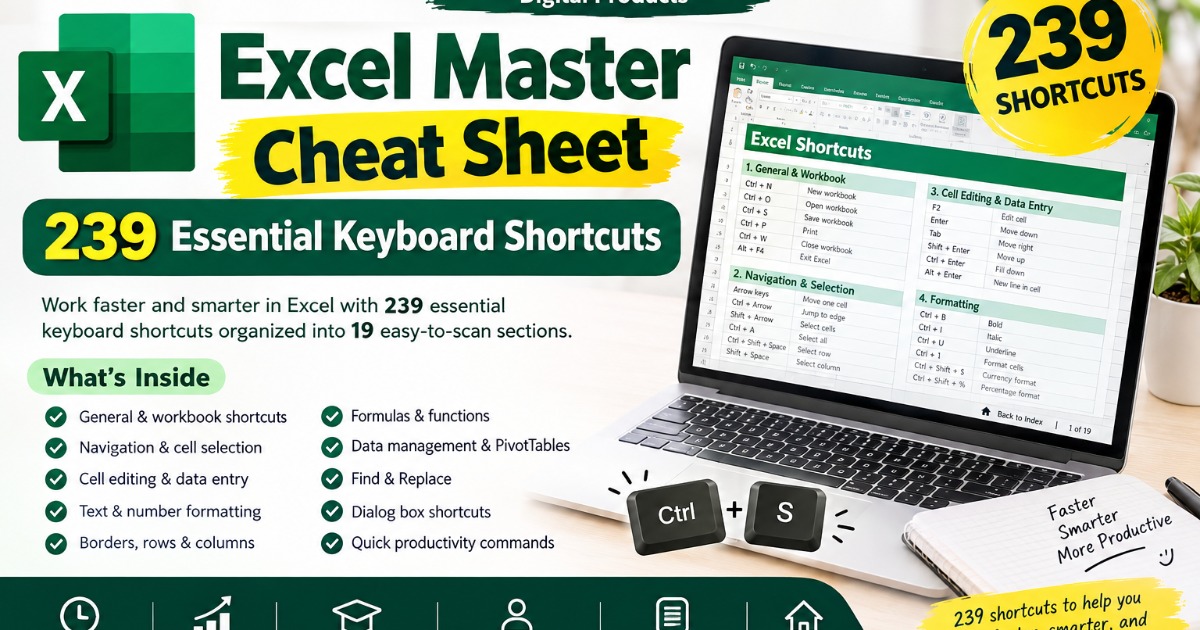
Excel Master Cheat Sheet: 239 Essential Keyboard Shortcuts for Faster, Smarter Work
Master Excel faster with 239 practical keyboard shortcuts organized into 19 easy-to-use sections. Perfect for beginners, students, professionals, and anyone who wants to save time and work more efficiently in Excel.
What’s Inside
This cheat sheet covers shortcuts for:
General Excel Commands – Copy, paste, undo, save, print, and more
Workbooks & Worksheets – Create, open, close, switch, and manage sheets
Navigation – Move quickly through cells, rows, columns, and data
Cell Selection – Select cells, ranges, rows, columns, and entire datasets
Cell Editing – Edit, clear, insert, delete, and modify cell content
Data Entry – Enter and organize information faster
Text Formatting – Bold, italic, underline, alignment, and text options
Number Formatting – Currency, percentage, dates, decimals, and other formats
Borders & Cell Formatting – Quickly apply and manage borders
Formulas & Functions – Work efficiently with formulas and calculations
Rows & Columns – Insert, delete, resize, hide, and unhide
Find & Replace – Locate and change information quickly
Data Management – Sort, filter, and work with spreadsheet data
Pivot Tables – Useful shortcuts for working with PivotTables
Charts & Objects – Work efficiently with Excel objects and visual elements
Comments & Notes – Manage notes and comments
Dialog Boxes – Navigate Excel dialog boxes more efficiently
Quick Access Commands – Frequently used everyday shortcuts
Productivity Shortcuts – Time-saving combinations for daily Excel tasks
Why Buy This Excel Cheat Sheet?
✅ Save Time – Complete common Excel tasks with fewer clicks.
✅ Work Faster – Navigate and edit spreadsheets more efficiently.
✅ Build Better Excel Habits – Learn shortcuts that improve everyday productivity.
✅ Beginner-Friendly – Easy-to-scan sections make learning simple.
✅ Useful for Professionals – Great for office work, reports, data entry, HR, finance, operations, and business tasks.
✅ Quick Reference – Find the shortcut you need without searching through lengthy tutorials.
✅ Improve Productivity – Spend less time on repetitive mouse-based actions.
✅ Easy to Navigate – Each section includes a “Back to Index” link for quick access.
✅ Learn at Your Own Pace – Keep it beside you while practicing Excel.
✅ Great for Students & Job Seekers – Build practical Excel skills that can help in academic and professional work.
What you'll get
- Perfect For Students • Beginners • Job Seekers • Office Professionals • HR Professionals
- • Finance Teams • Data Entry Users • Business Owners • Excel Users
- One cheat sheet. 239 shortcuts. Less clicking. More productivity.
About the creator

**About Niveditha** Niveditha is a digital creator who creates practical, beautiful, and easy-to-use eBooks, journals, planners, and digital resources designed
🏬 Visit storeMore from Niveditha Gonayak
Check out other products