EBOOK SELLING COMPLETE SETUP | Create, Upload & Start Selling
Course Curriculum
Learn how to create and sell your own eBook from start to finish.
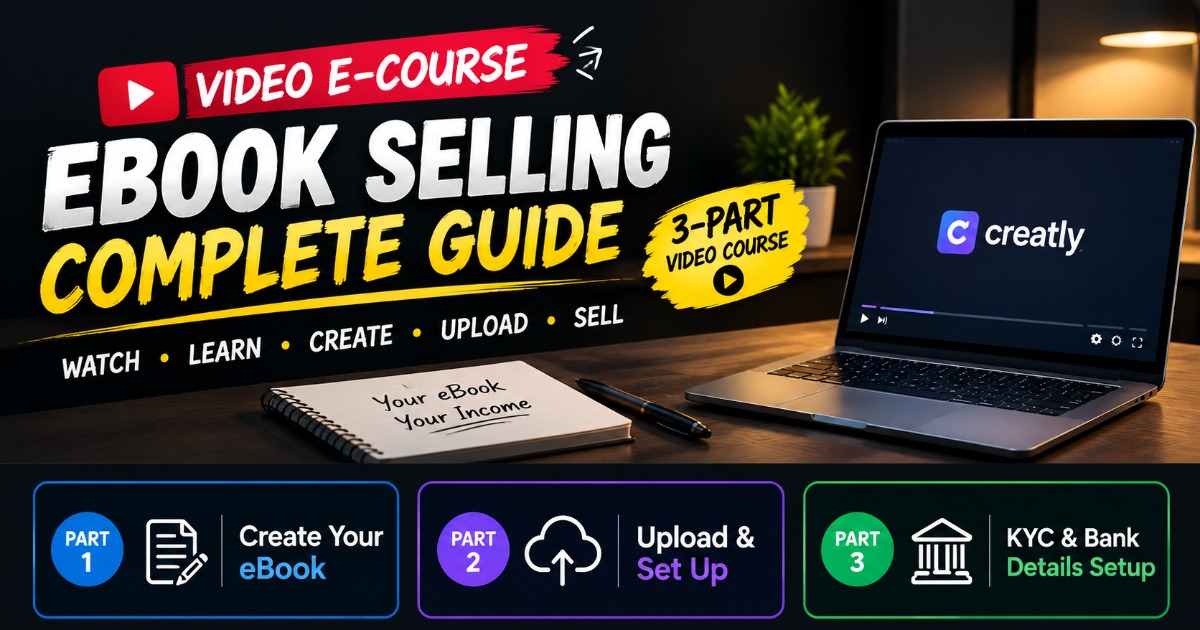
Is 3-part video mein main complete process practically explain karta hoon:
Part 1 — eBook Kaise Banaye
eBook kaise create karein
Content ko properly arrange kaise karein
eBook cover kaise banaye
eBook ko selling ke liye ready kaise karein
Part 2 — eBook Upload & Product Setup
eBook selling platform par upload kaise karein
Product title kaise set karein
Description kaise likhein
eBook cover kaise add karein
Price kaise set karein
Product ki basic settings kaise complete karein
Part 3 — KYC & Bank Details Setup
Bank details kaise fill karein
PAN details
Aadhaar/KYC information
Bank account number
IFSC code
Payout ke liye required details ka setup
Note: KYC/bank details bharte waqt hamesha apni correct aur genuine information use karein.
Creatly ke current documentation ke mutabik creators ke payouts ke liye KYC aur bank details required hote hain.
Creatly +1
Important: Creatly ki current Terms ke mutabik account use karne ke liye 18+ hona required hai. Isliye agar tum under 18 ho, apne naam se account/KYC setup karne ke bajay parent/guardian ko platform ki terms ke according handle karna hoga.
About the creator

More from Networthq
Check out other products