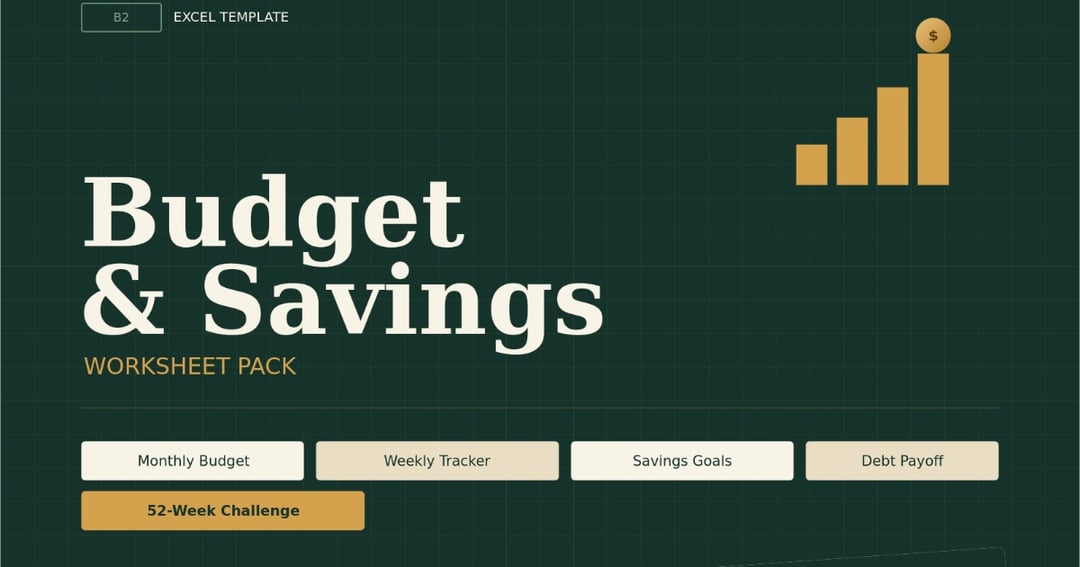
Budget Planner Excel Template Savings Tracker Monthly Budget Spreadsheet Debt Payoff Worksheet 52 Week Savings Challenge Digital Download
Problems This Tool Solves
1. "I don't know where my money goes every month"
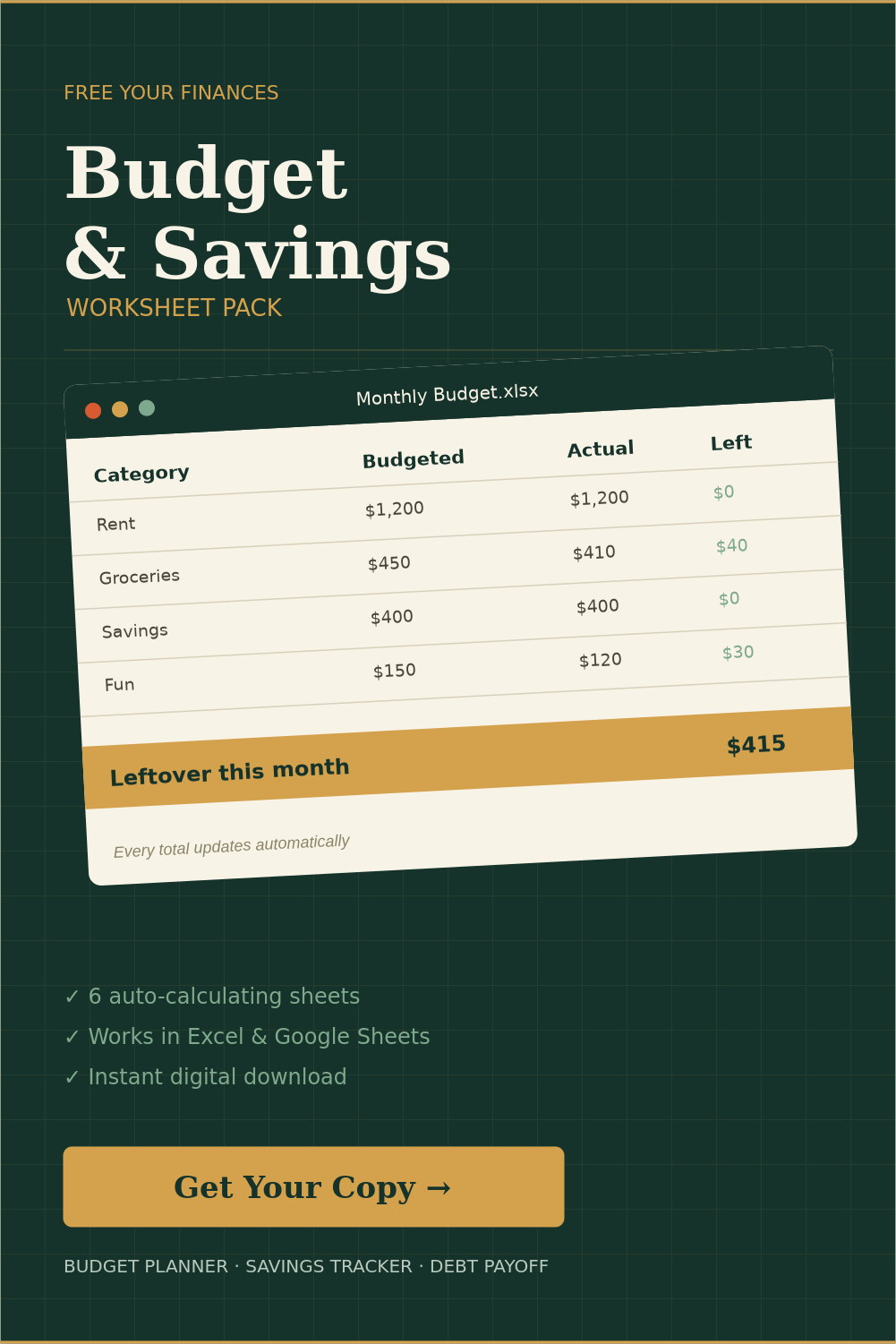
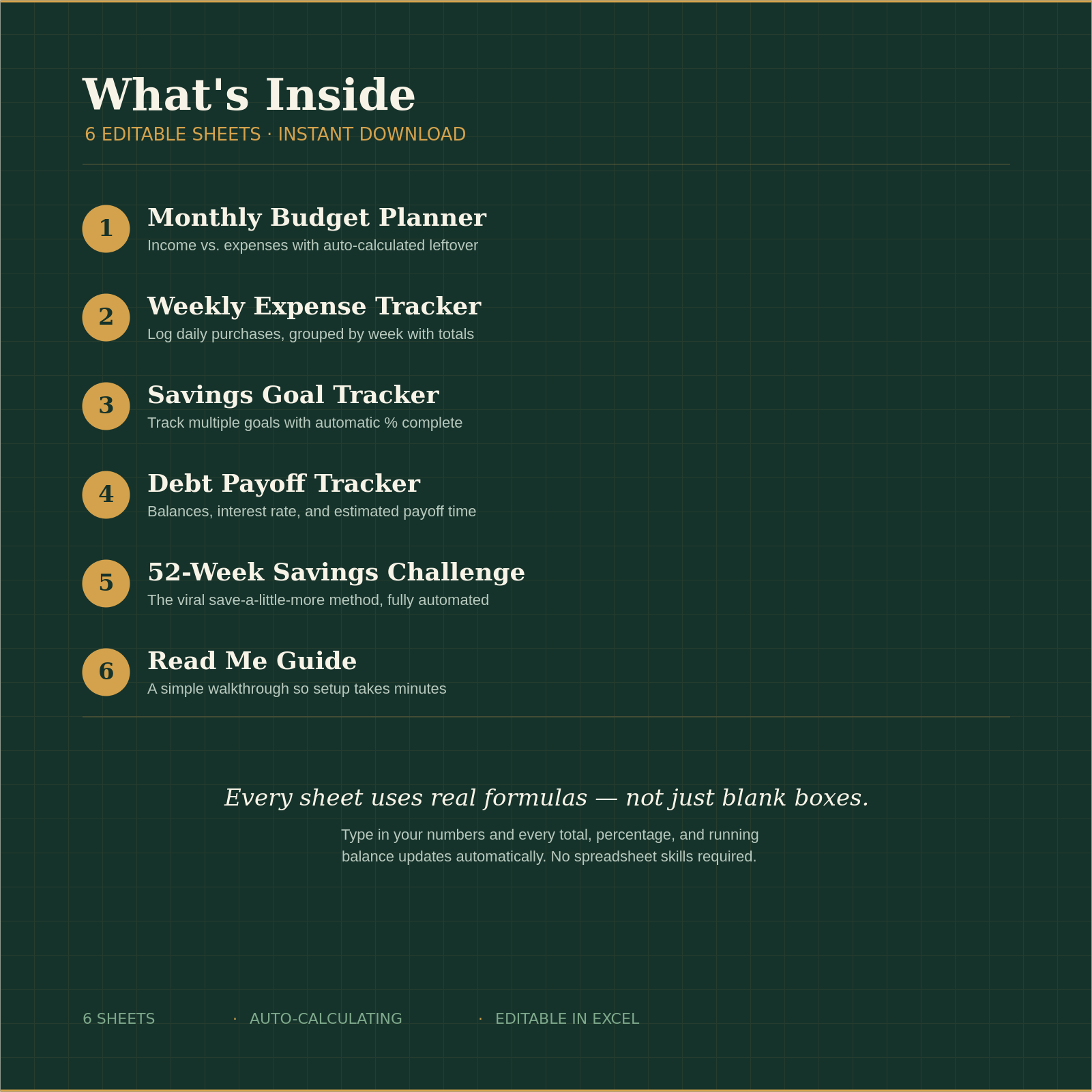
Most people spend without tracking, so by the end of the month the paycheck is just... gone, with no explanation. The Monthly Budget Planner sheet shows income vs. expenses side by side, so you see exactly what happened to every dollar.
2. "I want to budget but spreadsheets confuse me"
Building a budget from scratch means knowing formulas, formatting cells, and setting up totals — most people don't have time or skill for that. This tool is already built. You just type numbers into the yellow cells; everything else calculates on its own.
3. "I keep spending more than I planned, but I don't notice until it's too late"
Without daily tracking, small purchases add up invisibly. The Weekly Expense Tracker logs each purchase as it happens, broken into weeks, so overspending shows up immediately instead of at month's end.
4. "I have a savings goal, but I never actually track progress toward it"
A goal without a visible number attached rarely gets reached. The Savings Goal Tracker shows exact amounts saved, amounts remaining, and automatic percentage complete — so progress is visible, not vague.
5. "I have debt, but I don't know how long it'll take to pay off"
Not knowing when debt will actually be gone makes it feel endless and discouraging. The Debt Payoff Tracker calculates an estimated payoff timeline based on balance and payment amount, so there's a real number to work toward.
6. "I want to build a savings habit but keep giving up"
Saving in one lump sum feels hard; saving a little more each week feels doable. The 52-Week Savings Challenge breaks it into small weekly amounts with a running total, so the habit builds gradually instead of all at once.
7. "I don't want to buy special software or learn a new app"
Many budgeting tools require a subscription or a new app. This is a single file that opens in Excel, Google Sheets, or Numbers — programs almost everyone already has.
8. "I bought templates before that I never understood how to use"
A confusing template gets opened once and forgotten. The included Read Me guide explains exactly which cells to fill in, so it's usable in the first five minutes, not left abandoned in a downloads folder.
What you'll get
- Budget and savings Excel worksheet pack cover with monthly budget spreadsheet mockup
- Close-up of monthly budget Excel spreadsheet showing income, expenses, and automatic leftover calcul
- Before and after budgeting spreadsheet comparison showing organized financial tracking
- Budget planner template compatibility with Excel, Google Sheets, and Numbers
- Zoomed screenshot of the Monthly Budget sheet actually filled in with example numbers, so buyers see
- Use it every single month — it's not a one-time printable, it's a tool you reuse forever.
- Start today, in minutes — instant download, simple instructions, no experience needed.
- No math, no formulas, no stress — just type in your numbers and every total updates by itself.
About the creator
🚀 Premium Digital Products for You ⚡ Save Time • Get Instant Access • Start Using Today 📚 Templates • Designs • E-books • Tools & More 💎 Ready-to-use products at great value 🛒 **Shop Now & Download Instantly!**
🏬 Visit store