
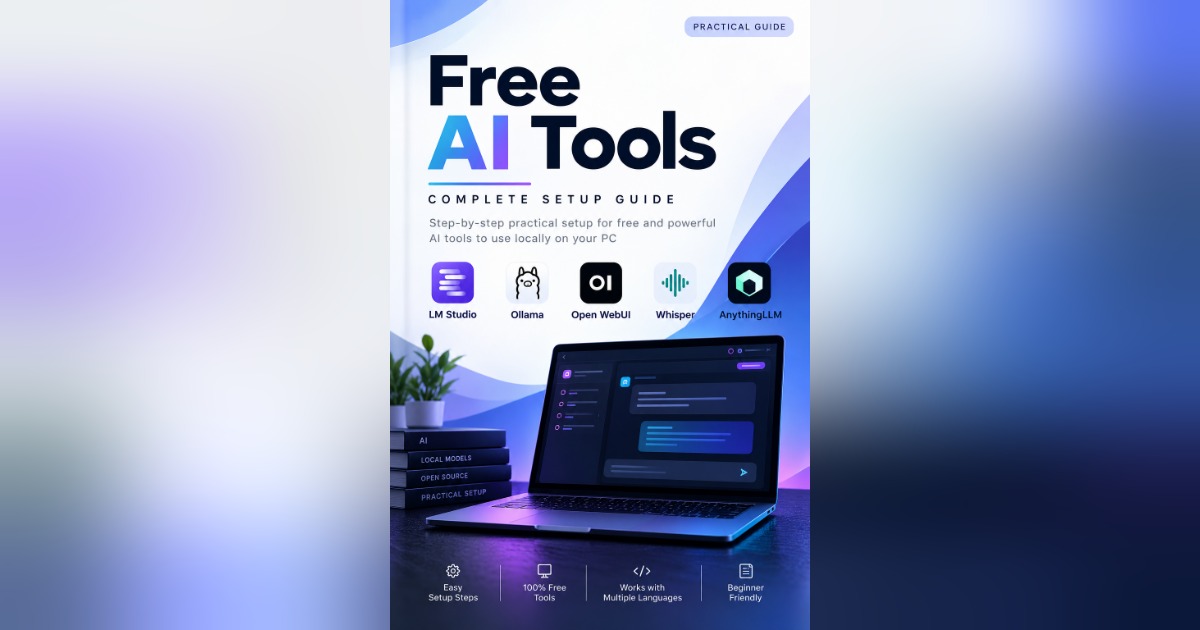
Free AI Tools – Complete Setup Guide (2026)
Learn how to install, configure, and use powerful AI tools locally on your Windows PC with this practical, step-by-step ebook.
This guide covers five useful AI tools and explains their setup process in a beginner-friendly format.
What's Inside?
LM Studio: Download AI models, run local AI chats, and set up the API server.
Ollama: Install local AI models and connect them with different programming languages.
Open WebUI: Set up a browser-based AI chat interface using Ollama and Docker.
Whisper: Transcribe audio into text and work with different languages.
AnythingLLM: Create AI workspaces, upload documents, and ask questions about your files.
Key Benefits
Practical installation instructions.
Step-by-step commands and examples.
Integration guidance for Python, JavaScript, React, Java, C++, PHP, C# and Go.
Troubleshooting tips and official resource links.
Beginner-friendly learning experience.
Who Is This For?
Students, developers, beginners, and anyone interested in running AI tools locally.
What you'll get
- 5 practical AI tools covered
- Local AI models and offline workflows
- Multiple programming language integrations
- API setup and testing examples
- Beginner-friendly practical guide