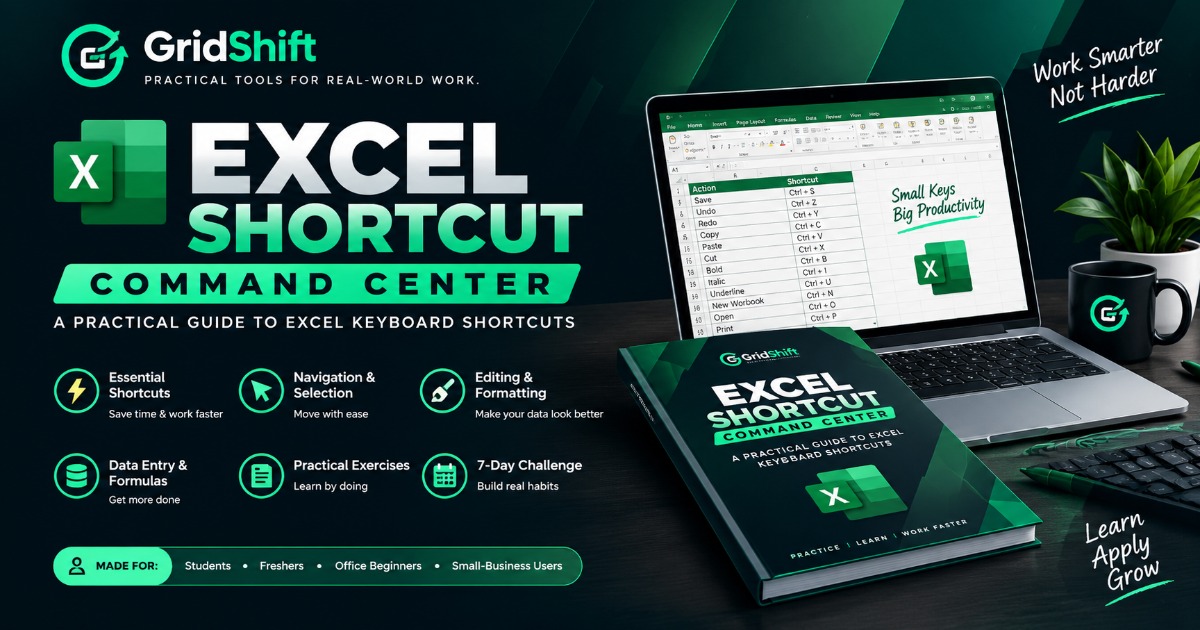
Excel Shortcut Command Center
Stop searching through menus for every small Excel task.
Excel Shortcut Command Center is a practical, beginner-friendly guide designed to help you learn useful keyboard shortcuts, understand when to use them, and practise them through real-world tasks.
WHAT'S INSIDE
• Essential shortcuts explained with their uses
• Navigation, selection, editing and formatting
• Data entry, formulas and workbook controls
• Practical exercises and recall checks
• A structured 7-day practice challenge
• A final 30-shortcut test with answer key
MADE FOR
Students, freshers, office beginners and small-business users.
LEARNING METHOD
SEE → UNDERSTAND → TRY → RECALL → PRACTICE
Digital PDF product. No physical book is shipped.
What you'll get
- Beginner-Friendly PDF
- Essential Excel Shortcuts
- Navigation & Formatting
- Data Entry & Formulas
- Practical Exercises
- 7-Day Practice Challenge
- Final Test with Answer Key
About the creator

Practical digital tools for real-world work. 📊 Excel workbooks, productivity systems, and ready-to-use resources to help you practice, build, and grow. Practice. Build. Grow.
🏬 Visit storeFrequently asked questions
FAQ 1: What is Excel Shortcut Command Center?
Excel Shortcut Command Center is a practical, beginner-friendly PDF guide that helps you learn useful Excel keyboard shortcuts, understand when to use them, and practise them through structured exercises.
FAQ 2: Who is this product for?
This guide is designed for students, freshers, office beginners, and small-business users who want to work more efficiently in Microsoft Excel.
FAQ 3: What will I learn from this guide?
You'll explore shortcuts for navigation, selection, editing, formatting, data entry, formulas, and workbook controls. The guide also includes practical exercises, recall checks, a 7-day practice challenge, and a final 30-shortcut test with an answer key.
FAQ 4: Is this suitable for Excel beginners?
Yes! The guide is designed to help beginners understand shortcuts, learn when to use them, and practise step by step. You can work through the material at your own pace.
FAQ 5: How will I receive the product after purchase?
This is a digital PDF product. You will receive the downloadable file through the product's purchase and delivery process. No physical book will be shipped.
FAQ 6: Do I need to complete the guide in 7 days?
No. The 7-day challenge provides a structured way to practise consistently. You can follow the challenge at your own pace and revisit the material whenever needed.
FAQ 7: Will these shortcuts help me work faster in Excel?
The guide is designed to help you reduce reliance on menus and practise more efficient workflows. Your results will depend on your current skills, the shortcuts you practise, and how consistently you use them.