eBook Blueprint 📕
Apni Pehli eBook Create & Sell Karna Seekhein
Kya aapke paas knowledge ya skill hai, lekin samajh nahi aa raha ki usse apni eBook kaise create aur sell karein?
This beginner-friendly guide will take you through the complete process — from finding your eBook idea to designing it in Canva and getting your first customers.
Is eBook mein aap seekhenge:
✨ eBook kya hoti hai aur kaun bana sakta hai
💡 Apna profitable eBook topic aur idea kaise choose karein
🔎 Idea ko validate kaise karein
📝 eBook ka structure aur content kaise prepare karein
🤖 eBook creation ke liye AI ka smart use kaise karein
🎨 Canva se professional-looking eBook kaise design karein
📄 eBook ko PDF mein kaise convert karein
💰 Apni eBook ki pricing kaise decide karein
🛍️ eBook ko online kahan sell karein
📲 Instagram se eBook promote aur sell kaise karein
🎯 First 10 customers tak kaise reach karein
⚠️ Beginners ki common mistakes kya hain
📅 7-day eBook creation & launch plan
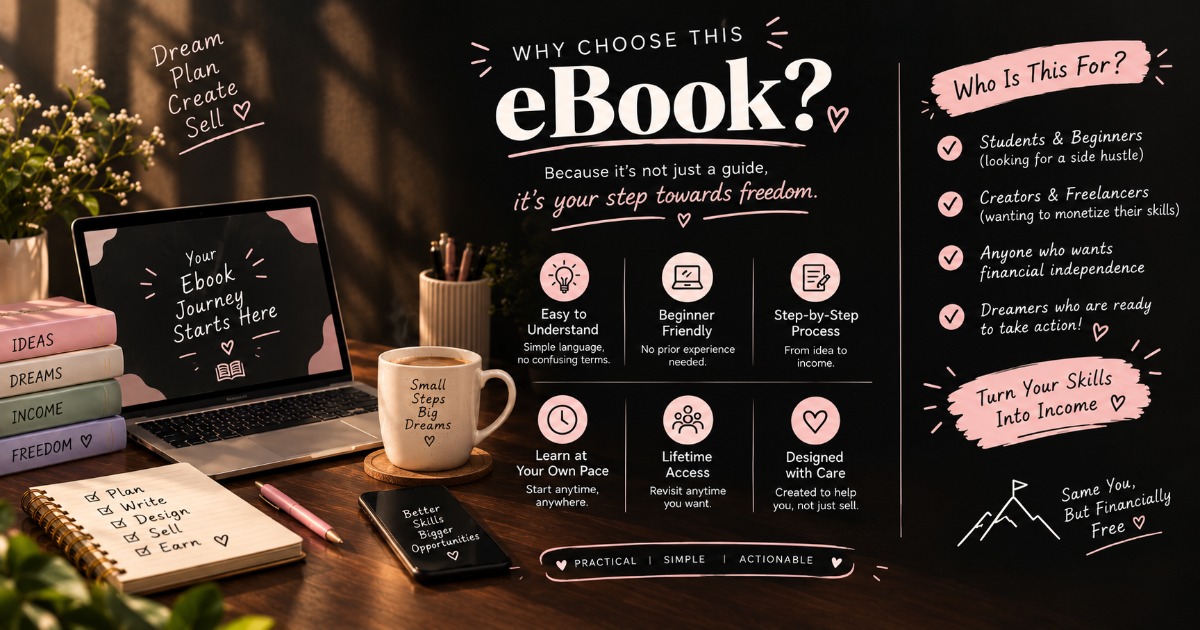
This is for you if:
✔️ Aap apni first eBook create karna chahte hain
✔️ Aapke paas knowledge/skill hai but direction nahi
✔️ Aap Canva se digital product banana chahte hain
✔️ Aap Instagram se apna digital product sell karna chahte hain
✔️ Aap beginner hain aur step-by-step guidance chahte hain
What you'll get:
📕 A practical beginner-friendly eBook
🤖 Ready-to-use AI prompt
✅ eBook creation checklist
📅 7-day action plan
💡 Practical examples and simple strategies
No complicated jargon. No unnecessary theory. Just a simple roadmap to help you go from IDEA → eBOOK → SALE.
Start with what you know.
Turn your knowledge into something useful.
And create your first digital product. 🤍
What you'll get
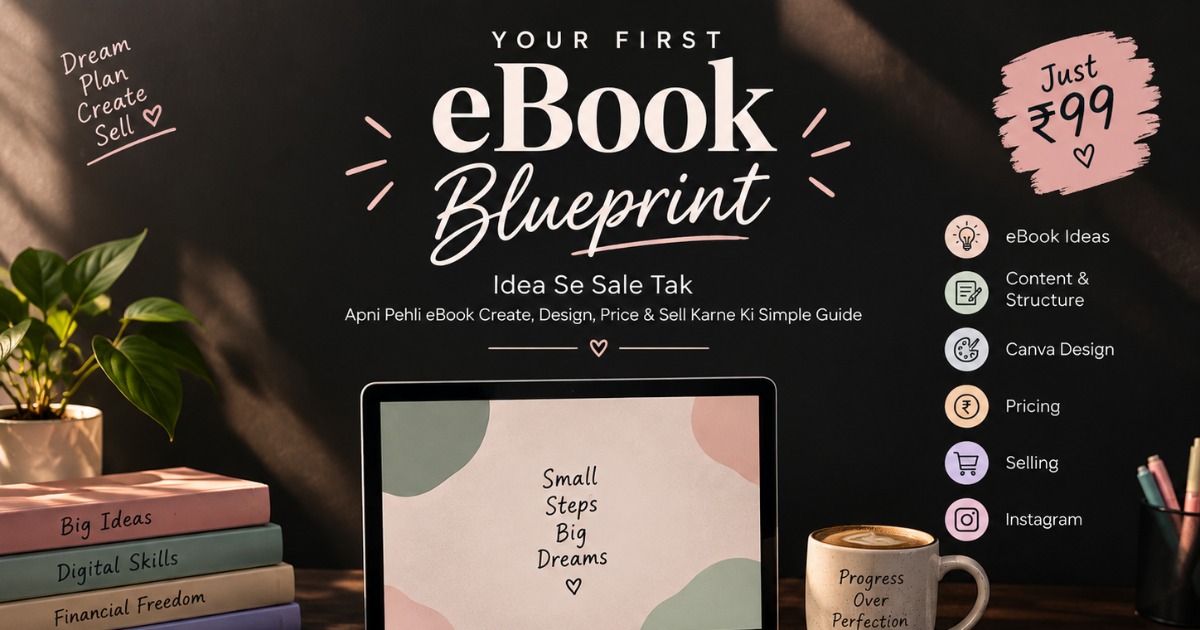
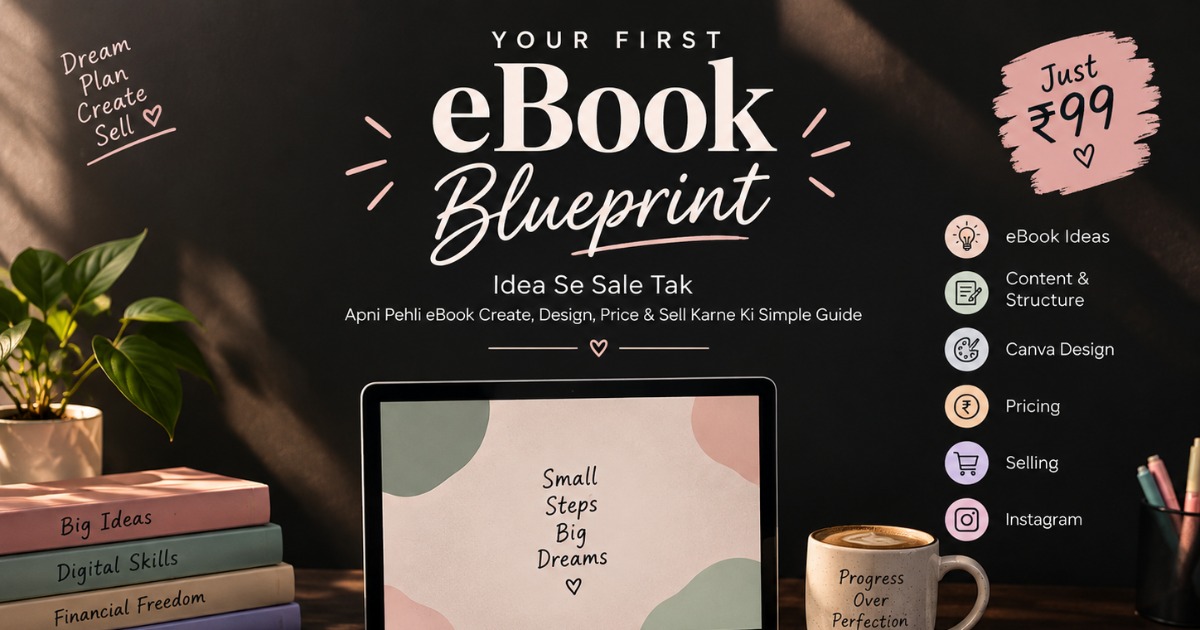
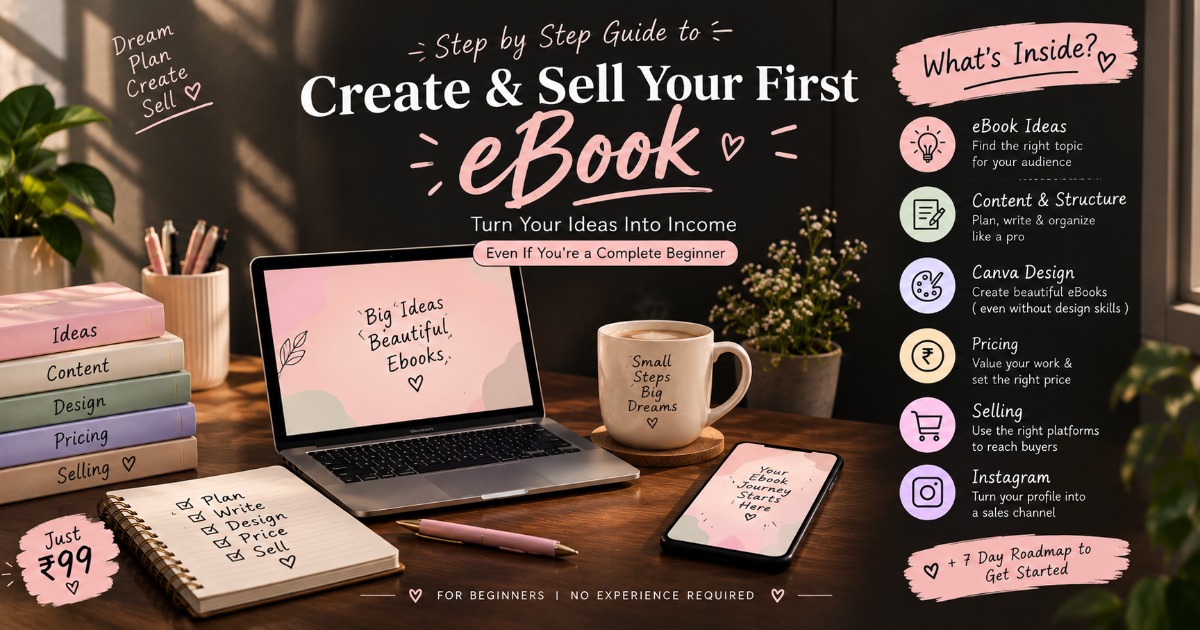
- eBook Ideas • Content • Canva Design • Pricing • Selling • Instagram • 7-Day Roadmap
About the creator
“I help beginners turn their knowledge into a professional eBook they can create, design, and sell online — even with zero experience.”
🏬 Visit storeFrequently asked questions
Q. Is this eBook suitable for complete beginners?
Yes. You don't need any previous experience in eBook creation, designing or selling.
Q. Do I need Canva Pro?
No. You can follow the basic design process using Canva's free version.
Do I need to be a professional writer?
Not at all. The eBook explains how to structure and write your content in a simple way.
Q. Will I learn how to sell my eBook?
Yes. It covers basic pricing, selling platforms and an Instagram-based promotion process.
Q. Can I use AI to create my eBook?
Yes. The guide includes a ready-to-use AI prompt and explains how to use AI as a writing assistant while adding your own experience and examples.
Q. Is this a course?
No. It's a practical digital guide/eBook that you can read and implement at your own pace.
Q. How will I receive the eBook? Se
After successful payment, you'll receive the digital eBook in PDF format through the delivery method mentioned on the checkout page.