






Before and after
Link in bio glow up
Your old Linktree, Beacons or any link in bio vs your Creatly store.
What to post
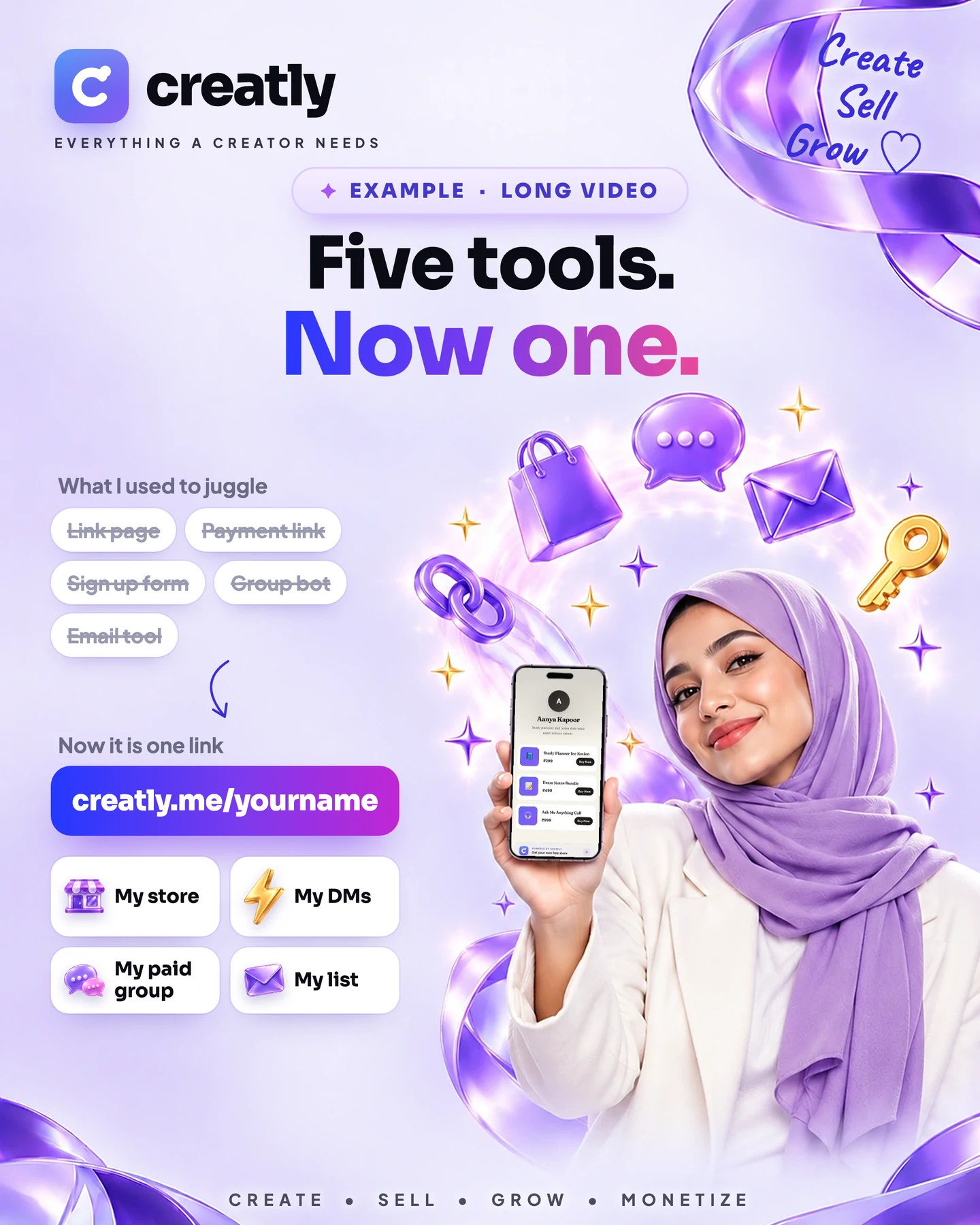
Show your old link page next to your new Creatly store. Let people see they can now buy from the same link.
Post ideas
Works for: Artists, photographers, coaches, educators, anyone with a link in bio
Before and after swipeShort video
Screen record your old Linktree or Beacons page, then swipe to your new creatly.me store. Same bio link, new shop.
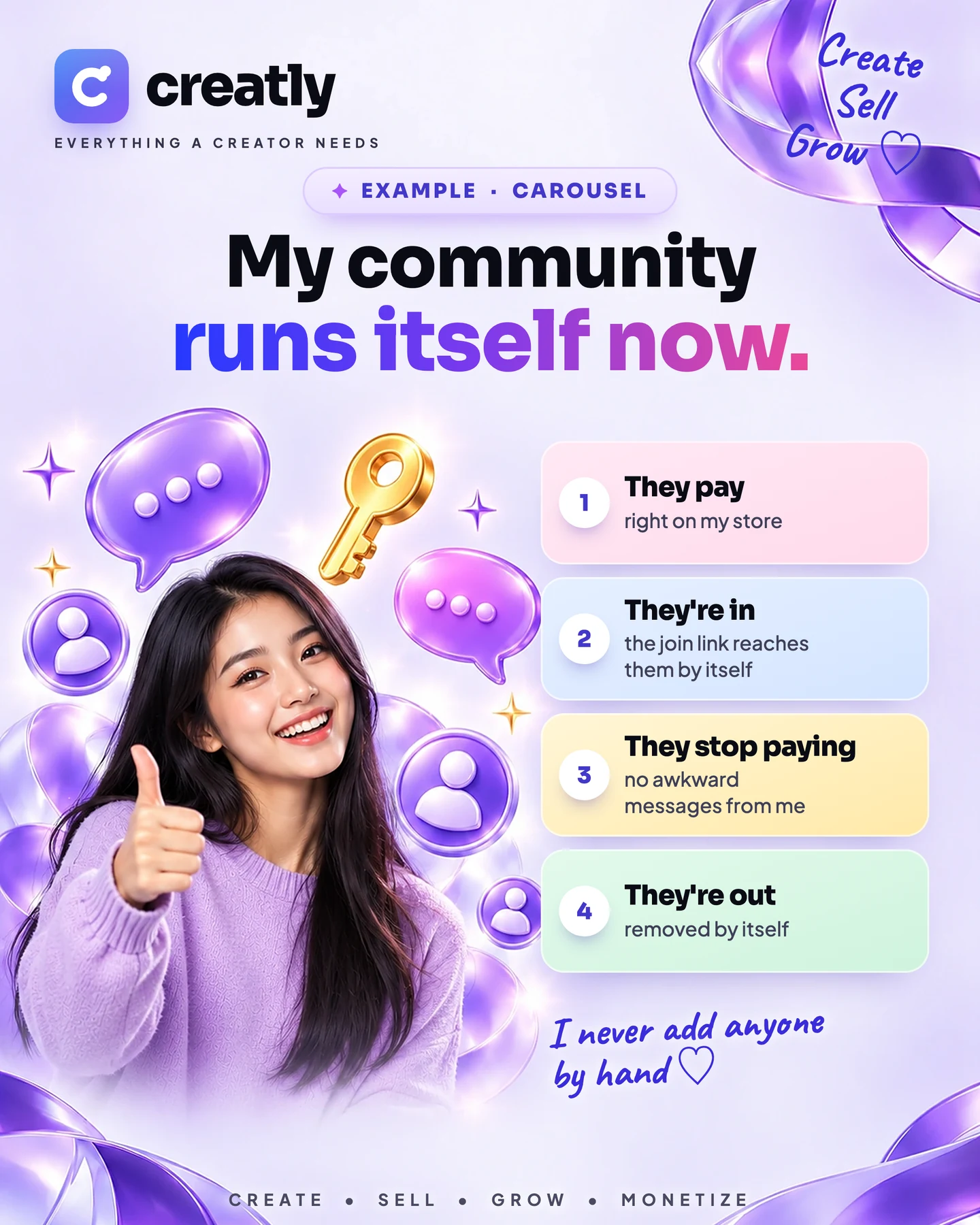
Links vs a shopCarousel
Slide 1: your old list of links. Slide 2: the same page with prices. Slide 3: what a fan can now buy, book or download in one tap.
See all 6 ideas & 3 opening lines
More ideas
Three looks, one storeShort video
Switch your store between three templates, fonts and card styles on camera, then land on the one that feels like you.
Phone and laptopShort video
Open your store on your phone, then on a laptop, and show it's built for both.
Bye bye "DM for price"Short video
Show the "price?" comments you used to answer one by one, then your store showing every price and taking UPI.
The blue tickShort videoNeeds Pro
Free Pro puts a blue tick beside your name on your store. Show the before and after.
Opening lines you can use
“My link in bio was a list. Now it's a shop.”
“Stop sending fans to a page of links.”
“Same bio link. Completely different business.”
Tip: Show your real store with a real product, not an empty one.
See an example post
Short video · About 30 seconds · 5 points
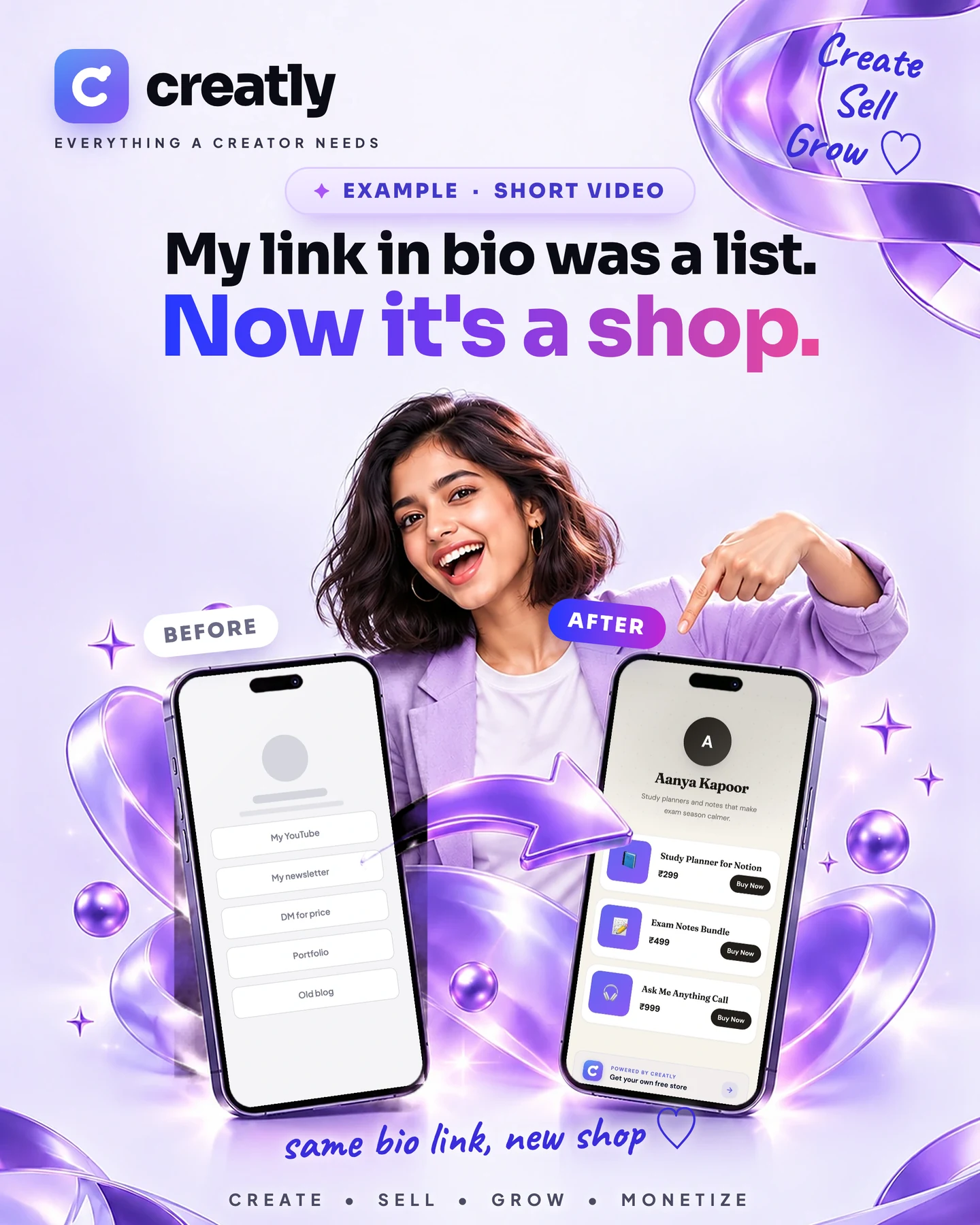
Start with: “My link in bio was just a list of links. Look at it now.”
What you show
- Your old link in bio page on screen, scrolled slowly. Text on screen: "Before".
- Your Creatly store on your phone: your photo, your products and their prices. Text on screen: "After".
- Tap one product and show how a fan would buy it.
- End on the store link sitting in your bio.
Caption
Collaboration with Creatly @creatlyme. This is my entry for their Creator Quest. I moved my link in bio to a real store in one evening, and now people can buy from me right there. 3 creators who should try this: @creator1 could sell her recipe ebook, @creator2 could sell his workout plan and @creator3 could sell her design templates.
This is only an example. Make yours about your own store, in your own words.