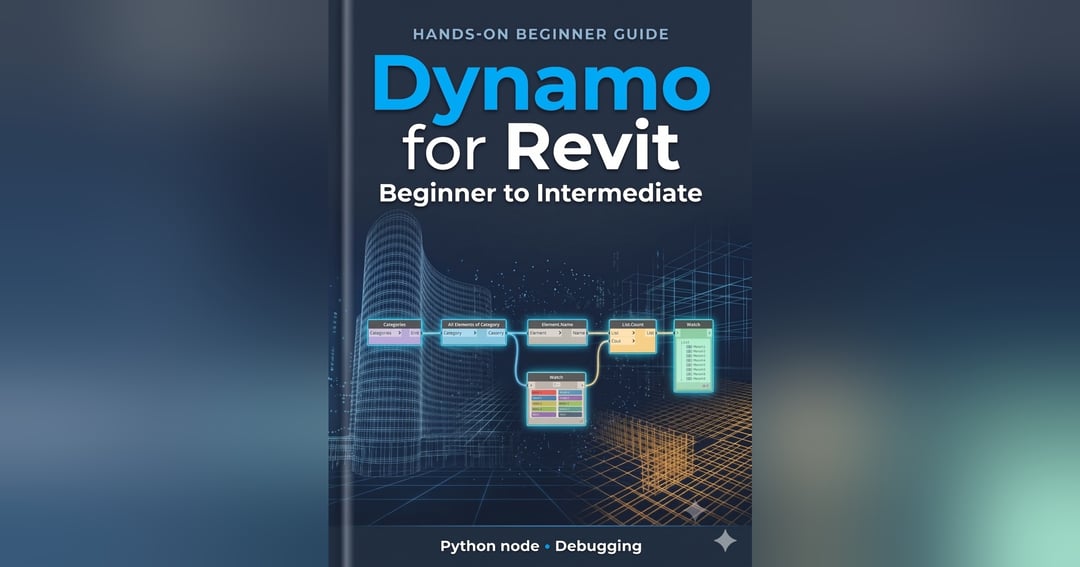
Stop clicking. Start automating. You open Revit on Monday and face 200 views to rename, 400 doors to check and a schedule to send to Excel. This hands-on guide teaches you to build small Dynamo scripts that do those jobs in seconds, even if you have never written code. What you will learn Read any parameter from any group of Revit elements Filter elements with a true/false mask, the idea behind most real scripts Write values and rename views in bulk, safely Export a clean table of doors to Excel Read and tweak a Python Script node, your bridge to the Revit API Find and fix the errors that stop every beginner What’s inside 6 step-by-step scripts, built node by node with no mystery files “Try it yourself” exercises and checkpoints after every script A 5-step debugging routine and a pre-flight safety checklist 6 level-up challenges and an “Are you intermediate?” checklist A 30-day practice plan, cheat sheet and printable daily tracker Who it’s for: Revit users (architects, structural and MEP modelers, BIM coordinators) who use Revit daily and want to automate repetitive work. What you need: Revit with Dynamo, a practice project, Excel for the export script, and about 8 hours in total (30–45 minutes a day works well). Format: PDF, about 19 pages. Instant download.
Get my updates by email or on WhatsApp.
Powered by Creatly
Get your own free store