The Canva Beginner’s Playbook
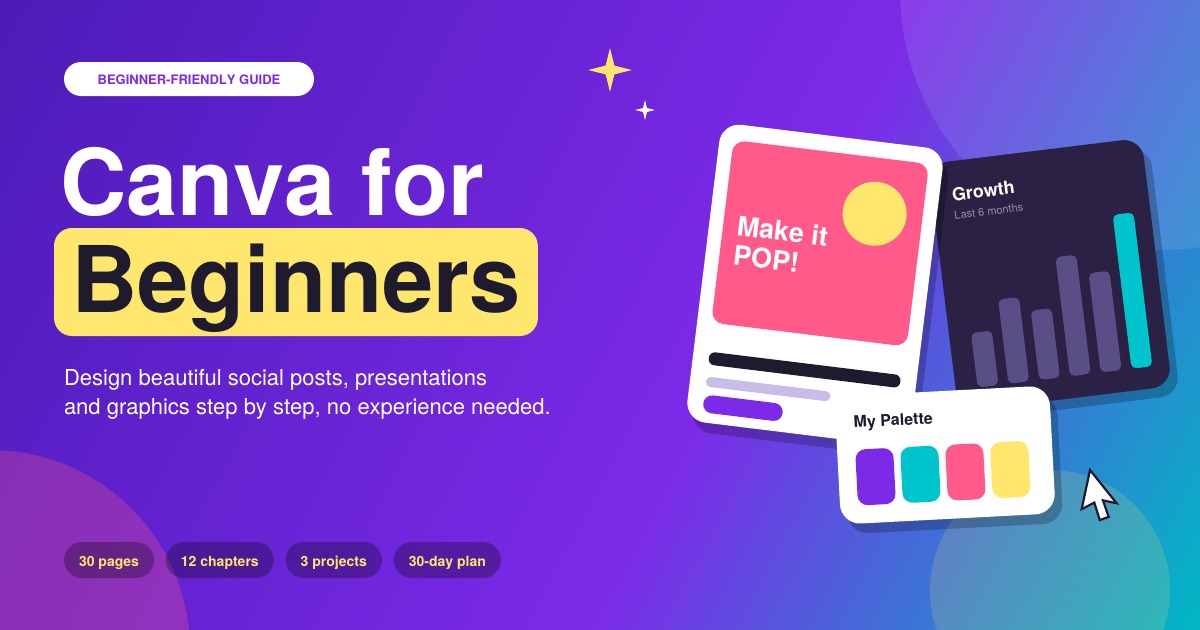
Have you ever opened Canva, stared at a blank page, and not known where to start? This beginner-friendly guide takes you from "I can't design" to creating polished posts, presentations and printables, one simple step at a time. You don't need a design degree or any experience. In 30 clear, easy-to-follow pages, you'll learn how the Canva editor works, the handful of design rules that make anything look professional, and how to build real projects you can use straight away. Inside you'll learn how to: Set up your account and understand what the free plan includes Find your way around the editor without feeling lost Choose colors and fonts that look good together Make text readable, and add photos, shapes and graphics Customize templates so your designs look original Create a Brand Kit so everything you make looks consistent Design a social post, a 5-slide carousel and a YouTube thumbnail Make presentations, resumes, flyers and print-ready designs Work faster with shortcuts and time-saving tools Export, share and collaborate the right way Who it's for: beginners, small business owners, side-hustlers, students, teachers, job seekers and content creators who want better-looking designs without the stress. Please note: this is a digital PDF ebook, and no physical item will be shipped. You'll get instant access after purchase. This guide is independent and is not affiliated with, endorsed by or sponsored by Canva. Canva updates its features and plans often, so some button names may look slightly different, but the skills still apply.